
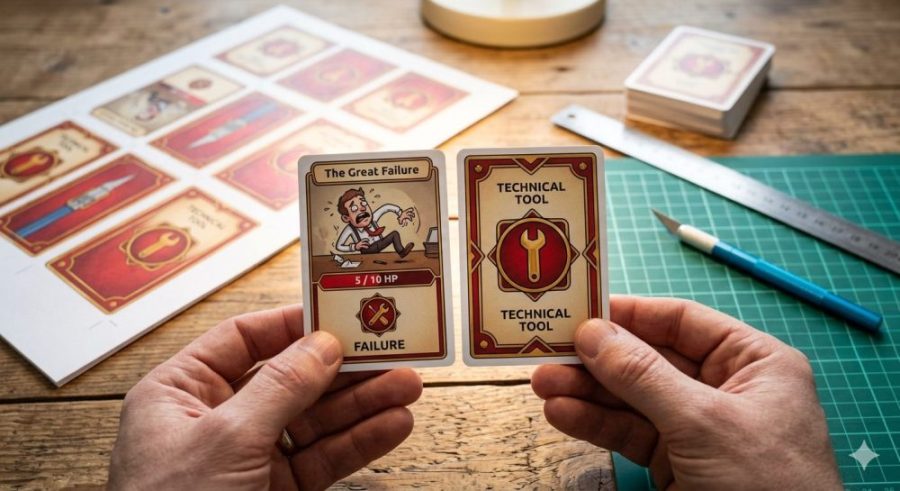
If you have ever tried to print a book, a booklet, business cards, or any document requiring accurate cutting, you have run into a universal frustration: the back side (even page) never perfectly matches the front side (odd page). When looking at the printed sheet against the light, you find the margins are shifted by a few millimeters.
Does this problem really exist, or is it just your printer?
The internet is full of support forums from HP, Canon, Brother, and Epson with desperate users asking the same thing. The technical answer is blunt: yes, the problem exists and is caused by two critical factors:
- Mechanical Tolerance: Home and office printers pull paper using rubber rollers. When the machine prints the first side, heat from the fuser unit imperceptibly shrinks the paper. When the sheet is flipped and passed through for the second side, the mechanical gripping mechanism suffers a physical error shift between 1 and 3 millimeters.
- Asymmetric Hardware Margins: Many printers are not internally symmetrical. They require a larger unprintable “gripper margin” area at one specific edge to hold the paper physically than they do on the other edges. When printing duplex, the sheet is flipped and these hardware margins invert, causing the entire content block of Page 2 to shift relative to Page 1.
Why this tool is the best solution
Many people try to solve this by roughly moving design elements in heavy software like Word or InDesign, which ruins the original layout and proportions of your odd pages.
Our software-based solution does something much smarter: it leaves Side 1 completely intact and realigns the coordinate matrix of Side 2 in the final PDF. By entering the exact offset your printer makes, the script pushes the content of the even pages in the opposite direction of its physical and hardware error. When printing the corrected document, both sides will match up perfectly against the light without altering your original design layout.
Ajuste de Doble Cara por Referencia de Desfase
Imprime este PDF a doble cara al 100% de escala (Tamaño Real). Para medir la desviación, mira la Cara 1 de frente y, al trasluz, observa cuánto se ha desplazado la cruz sombreada de la Cara 2 (Atrás) respecto a la cruz impresa delante.
Positivo (+) si la sombra se va a la derecha. Negativo (-) si se va a la izquierda.
Positivo (+) si la sombra se va hacia arriba. Negativo (-) si se va hacia abajo.