
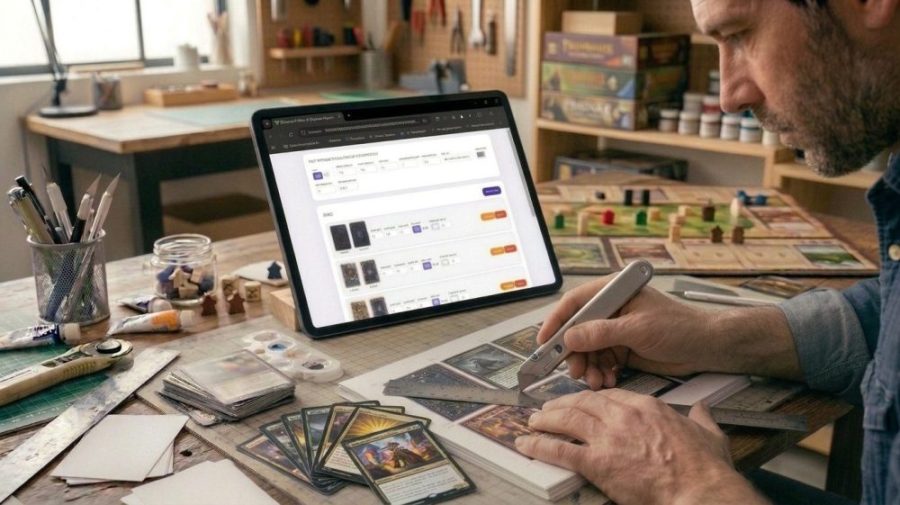
Printing cards for a board game is easy. Printing cards so that the front and back line up perfectly is another story.
If you’ve ever tried it, you know what happens: you print the front, flip the paper, print the back, and the cards are shifted, upside down, or slightly off. You end up wasting paper and getting frustrated.
We made a free tool that solves this: the Duplex Card Generator. You upload your card images, set the size, and it generates a PDF ready to print — with the front and back perfectly aligned, bleed included, and cut marks so you know exactly where to cut.
What is “bleed” and why do you need it?
When you cut a card, the scissors or cutter are never 100% precise. If your image ends exactly at the edge of the card, a tiny mistake will leave a white line on one side.
Bleed is a small extra margin — usually 3 mm — that extends your image beyond the cut line. That way, even if the cut is slightly off, the image still covers the full card. No white edges.
The tool lets you choose between two types of bleed:
- Color bleed — your card image stays at the exact card size, and a solid color fills the border. Perfect for cards with a flat color background.
- Image bleed — your image extends to cover the bleed area. The cut crops into the image. Best for cards with full artwork from edge to edge.
How does the tool work?
It’s simple. You do these four things:
1. Set your card size. Standard poker cards are 63 × 88 mm. Mini cards are 44 × 68 mm. Enter whatever size your game uses.
2. Add your cards. For each card design, upload the front image and the back image. Set how many copies you need.
3. Generate the PDF. The tool fits all your cards on the page, adds cut marks, and creates a mirrored back page so the cards align perfectly when you flip the paper.
4. Print and cut. Print page 1 (fronts), flip the paper, print page 2 (backs). Cut along the marks. Done.
Why does the back page align perfectly?
This is the part most tools get wrong.
When you flip a printed sheet of paper to print the back, the image needs to be horizontally mirrored. If it’s not, the cards will be shifted to one side.
The Duplex Card Generator does this automatically. The back page is always a perfect mirror of the front, calculated for your exact card size and position. You don’t have to think about it — it just works.
Can I print different card sizes in the same PDF?
Yes. You can add as many card types as you want — each with its own size, bleed, and number of copies. The tool will pack them all together on the sheet as efficiently as possible.
This is useful if your game has cards of different sizes: for example, standard cards for the main deck and small cards for tokens or reference cards.
Save your project and come back later
Before you close the browser, click Save project. It downloads a small file with all your settings and images. Next time, click Load project to continue exactly where you left off.
Who is this tool for?
This tool is for anyone who wants to print their own board game cards:
- You’re designing a print and play game and want a clean prototype
- You want to send your files to a print shop and need a professional PDF
- You’re running a crowdfunding campaign and need physical samples
- You just want to print a card game you downloaded and cut it properly
Free, no account needed, works in any browser
The tool runs entirely in your browser. Your images never leave your computer. No sign-up, no payment, no limits.
Questions or suggestions? Leave a comment below — we read every one.